

🌟 Logging into TrackFlo
Check out this article to get started in TrackFlo by logging in, logging in via our web app, and what to do if you forget your password
Logging In the First Time (via Email)
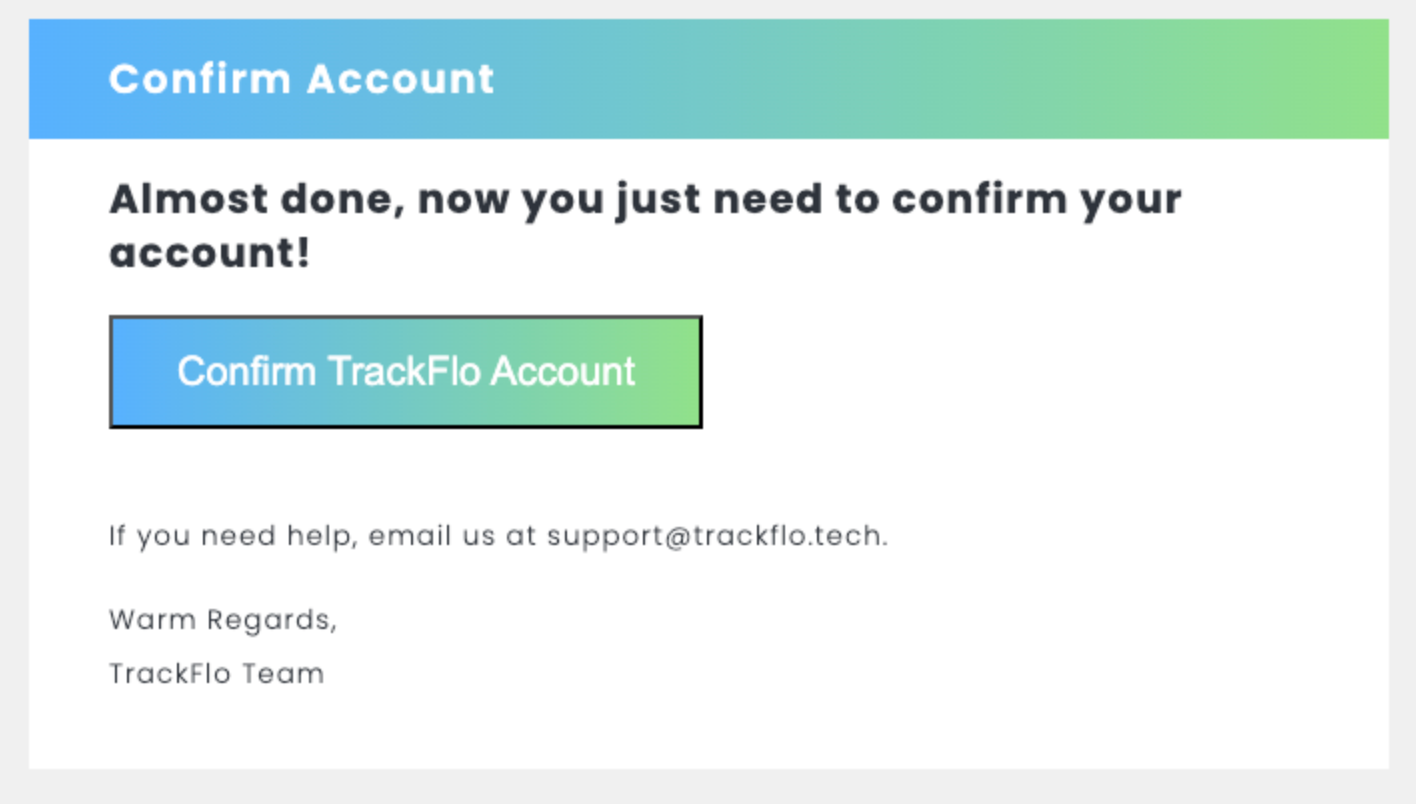
You will receive an email from updates@trackflo.tech
Click the link in the email and follow the instructions on your screen to click “Confirm TrackFlo Account”
If the link has expired, please follow the instructions for “Sign In Option A: via Email Link” below
Don’t forget - create a TrackFlo bookmark wherever you keep them!
Logging In via Web App
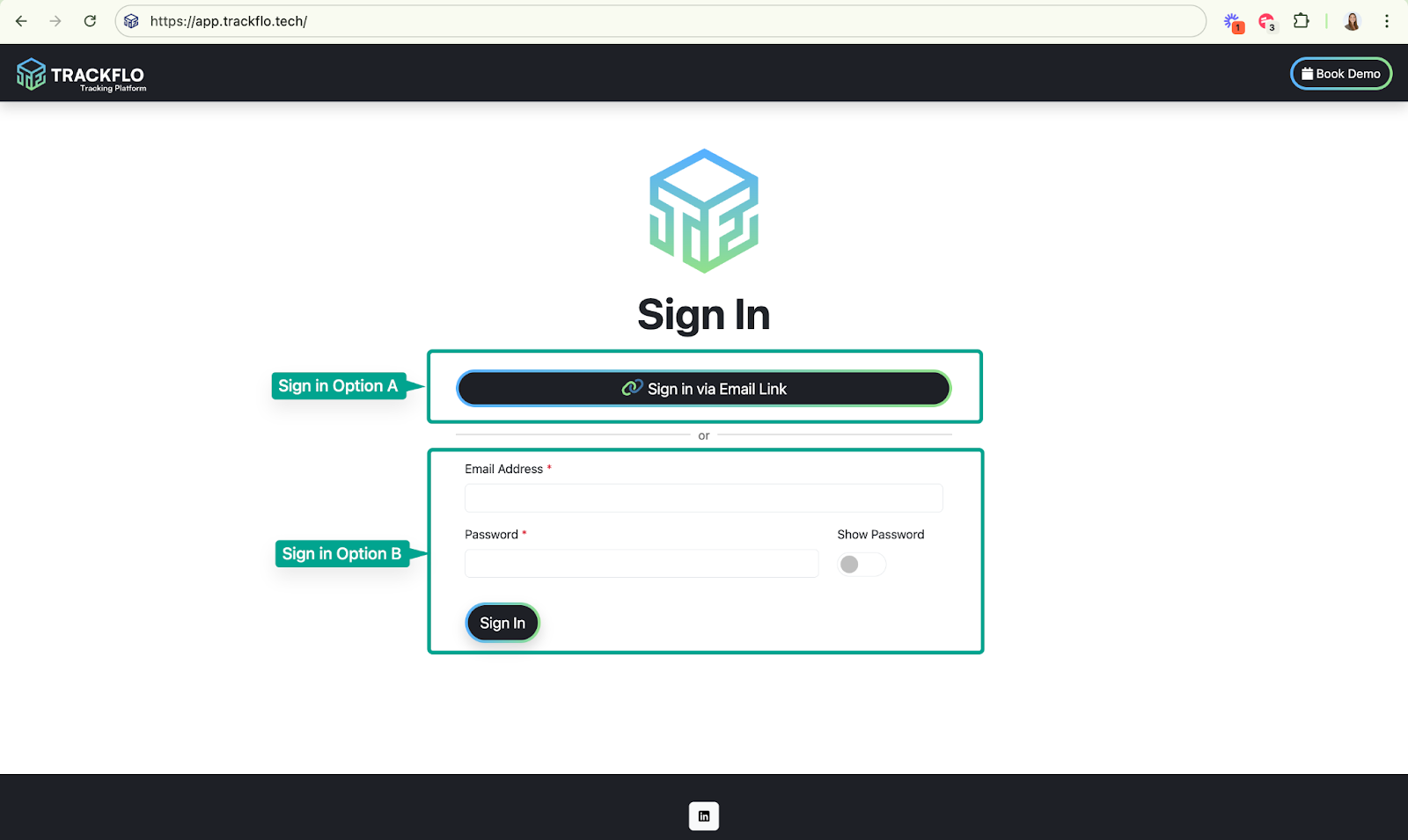
Access TrackFlo at app.trackflo.tech
Follow your preferred sign-in process:
Sign in Option A: Via Email Link
Click the “Sign in via Email Link” button
On the following screen, enter the email address associated with your TrackFlo account
Check your inbox for an email from updates@trackflo.tech (This may take 1-2 minutes. If you don’t find it, please check your spam folder.)
Sign in Option B: Via email and password
Enter your email address and password
Click “sign in”
Forgot Your Password?
It happens! If you forget your password, please:
Follow the instructions for “Sign In Option A: via Email Link” above
Once logged back in, reset your password by going to Account > Account Info > Password Reset (see image below)