

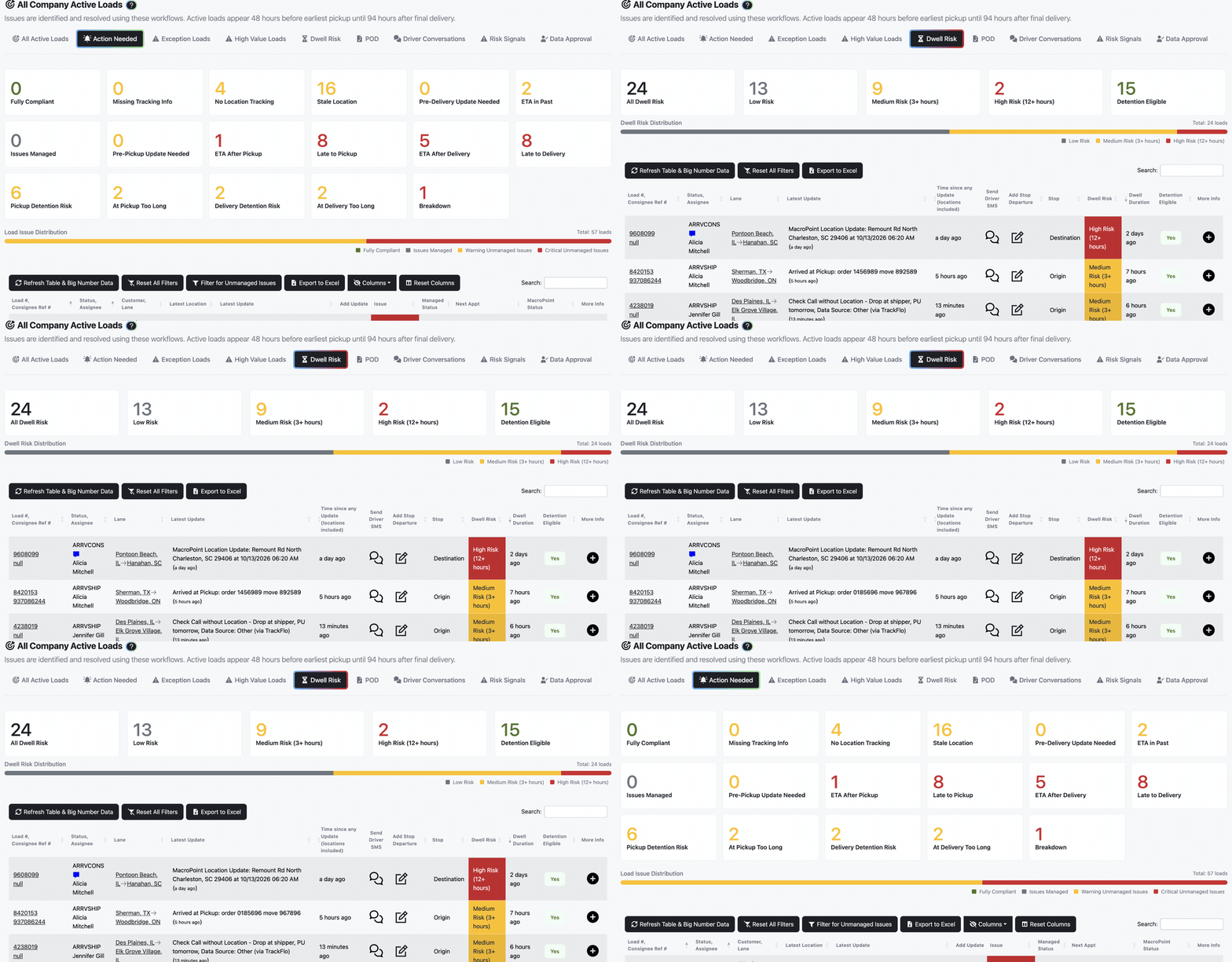
The driver arrived after the appointment window, so the stop isn't billable. It still shows on Dwell Risk so you can follow up.
Recover Detention and Accessorial Dollars
Updated today
Catch dwell while it's happening, record arrival and departure times that hold up in a dispute, and find the detention you qualified for but never billed. Detention leaks in two places: the driver who sits three hours and nobody logs it, and the charge you do bill that the customer disputes because the times are soft. Prospects call it "finding where the money leaks and plugging the holes," and one told us "there is no bigger pet peeve of mine than detention leakage."
What you need
An Admin to set the detention threshold and turn on outreach rules.
Your contracted free time and grace period, so TrackFlo's detention clock matches your agreements.
Trackers recording stop times in TrackFlo rather than straight into the TMS.
Set it up
1
Match the detention clock to your contracts
Set the detention threshold on each service level (default 90 minutes), earlier than your free time expires so you hear about dwell while there's still time to act. Set the threshold and grace period that Detention Audit uses in Service Thresholds settings, under General Settings.
2
Work the Dwell Risk tab every shift
Dwell Risk lists every load sitting at a stop past the threshold, including drivers who arrived late. Its Detention Eligible column and tile mark the loads you can bill for, where the driver arrived within the appointment window. Teams that own accessorials can turn on Include Dwell Workflow in Navbar Configuration for a page split into Origin and Destination tabs.
3
Let outreach do the chasing
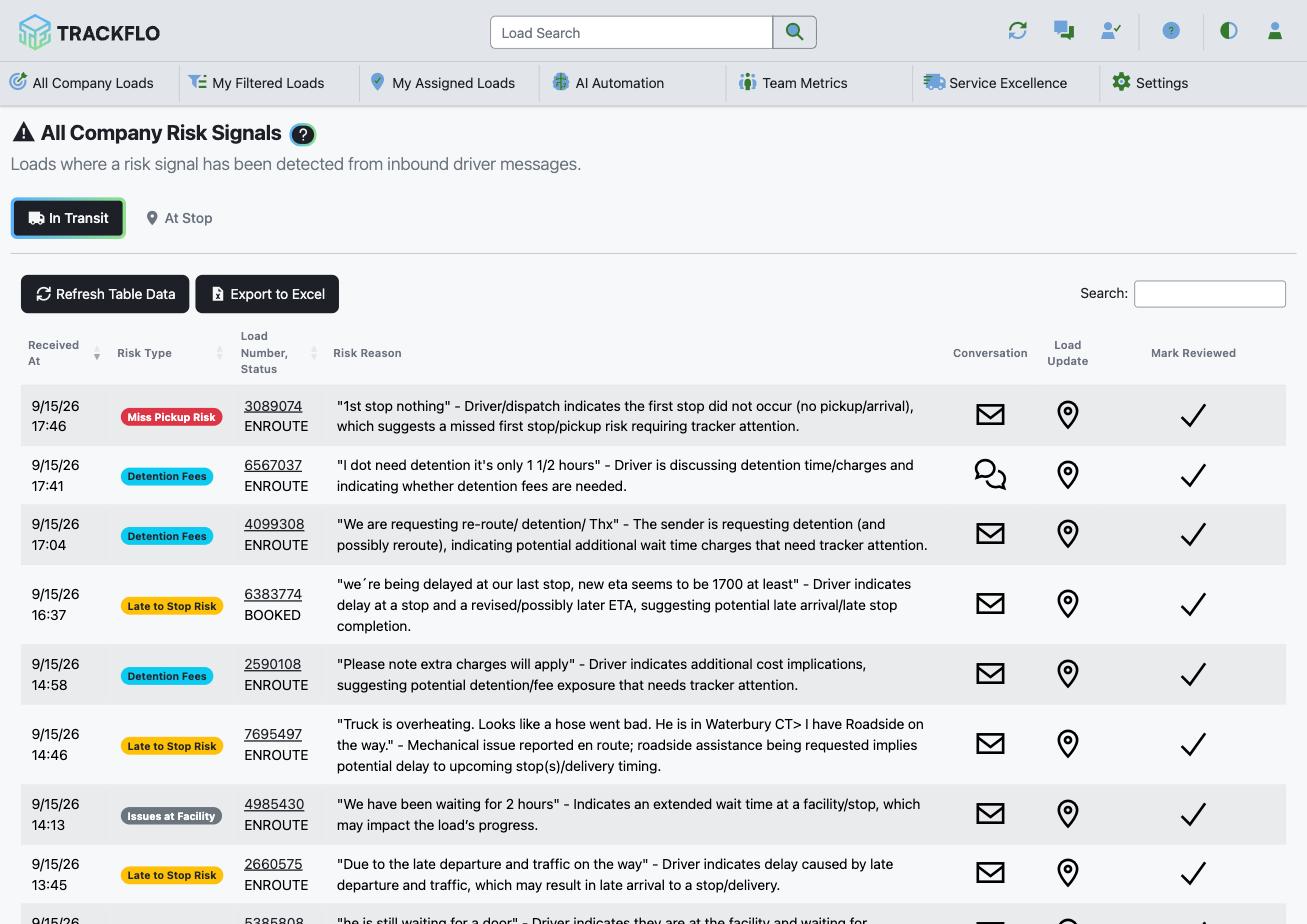
Dwell Time Check asks the driver what's happening after 90 minutes at a stop and keeps checking for up to 12 hours. Arrival confirmations confirm the truck is really there 15 minutes after an arrival is entered. A driver reply mentioning detention or lumper fees raises a Detention Fees risk signal, which can email your accessorials team the moment it's detected.
4
Record times that hold up
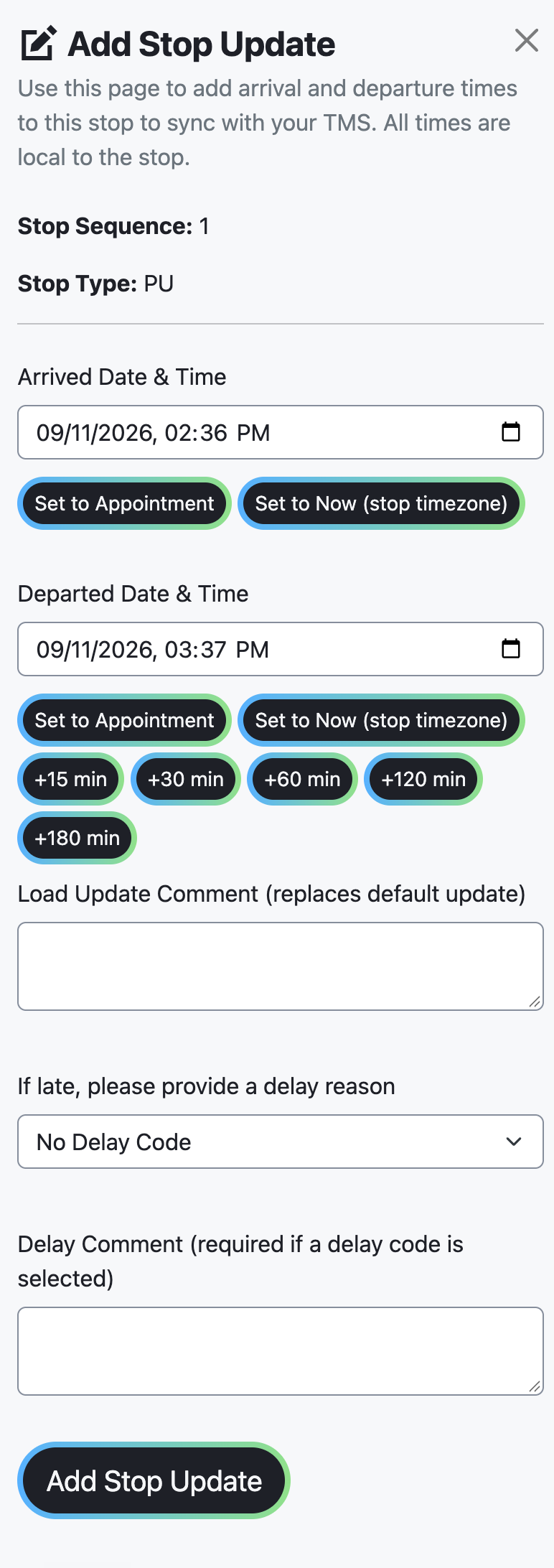
Record arrival and departure as stop updates in TrackFlo, where they're timestamped, attributed, and synced to your TMS, next to the driver's own message in the load's history. At the two-hour mark, email the customer from the load update with Add myself as CC so you hold a copy of what went out and when.
5
Find the dollars you never billed
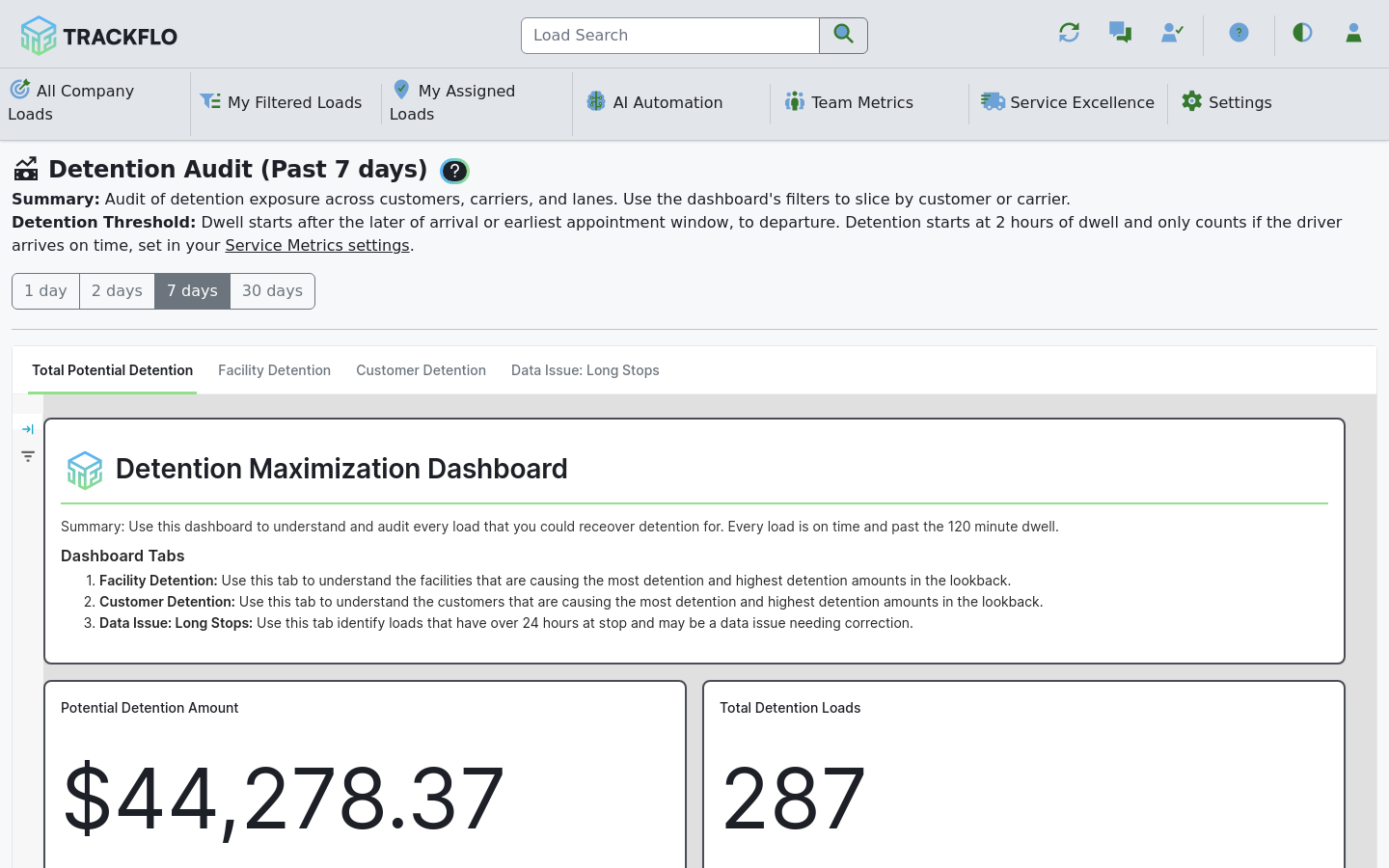
Each week, open Detention Audit under Service Excellence, a dollar view of every load that qualified for detention. Sort by exposure, start with the largest customer, and open their Customer Deep-Dive for facility dwell, which is the conversation opener. Use the Facility Detention tab to find the shippers and receivers that generate dwell across customers; that's a rate conversation, not a billing one.
Times typed straight into your TMS have no conversation trail behind them in TrackFlo. When a customer disputes a charge, the load whose times were recorded here is the one you can defend.
When it doesn't go to plan
A load sat for hours but never showed as Detention Eligible
Detention Audit doesn't match our invoices
The threshold or grace period in Service Thresholds settings doesn't match your contracts. Set them to your contracted free time.
A customer disputed a charge we billed
Check the load's Stops table for arrival and departure times and its history for the driver's messages. A load whose times came only from the TMS has no trail behind them.
Measure it
The Dwell Risk tab is worked to empty at the end of each shift, and the time from arrival to first driver contact falls.
Every billed detention load has arrival and departure stop updates and at least one load update or driver message inside the dwell window.
Detention Audit's estimated payout is reviewed weekly, and the gap between qualifying loads and billed loads closes.
Related recipes
Collect PODs Within 24 Hours
Automate the POD chase and measure how fast the paperwork arrives.
Read recipeKeep a Full Audit Trail on Every Load
Every update, message, and handoff on the load, timestamped and attributed.
Read recipeProduct docs
Customers can sign in to open the full guides:
Was this helpful?
Was this helpful?