

Customize your board columns
Updated yesterday
You can rearrange, add, and remove the columns on any board table, and TrackFlo saves your layout. Every user's column setup is their own.
Rearrange tracking board columns
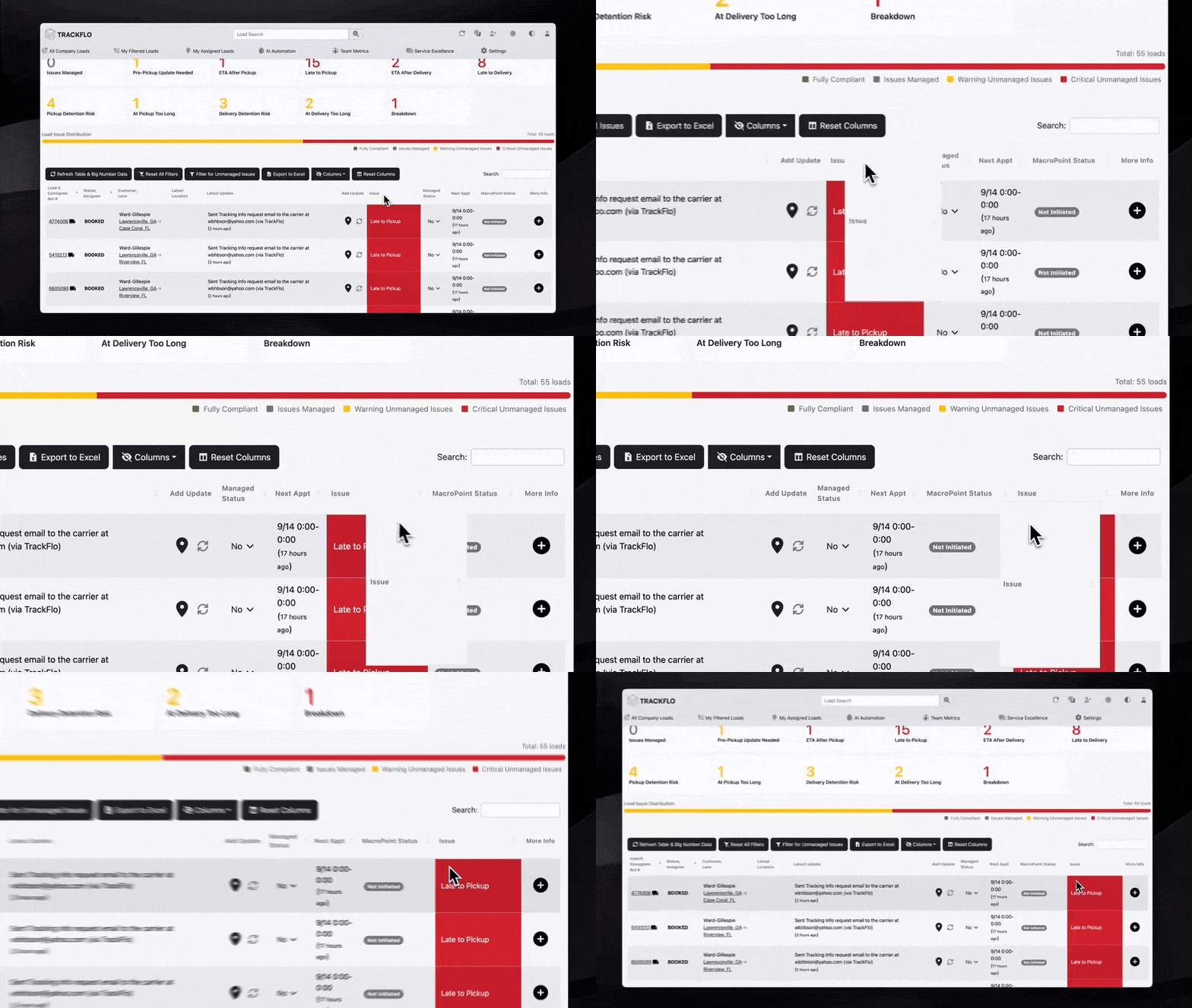
Drag a column header to change where it sits in the table. Your new order saves automatically.
On the board table, drag a column header to the position you want.
Release the header. Your column order saves and stays in place for your next visit.
Add or remove columns
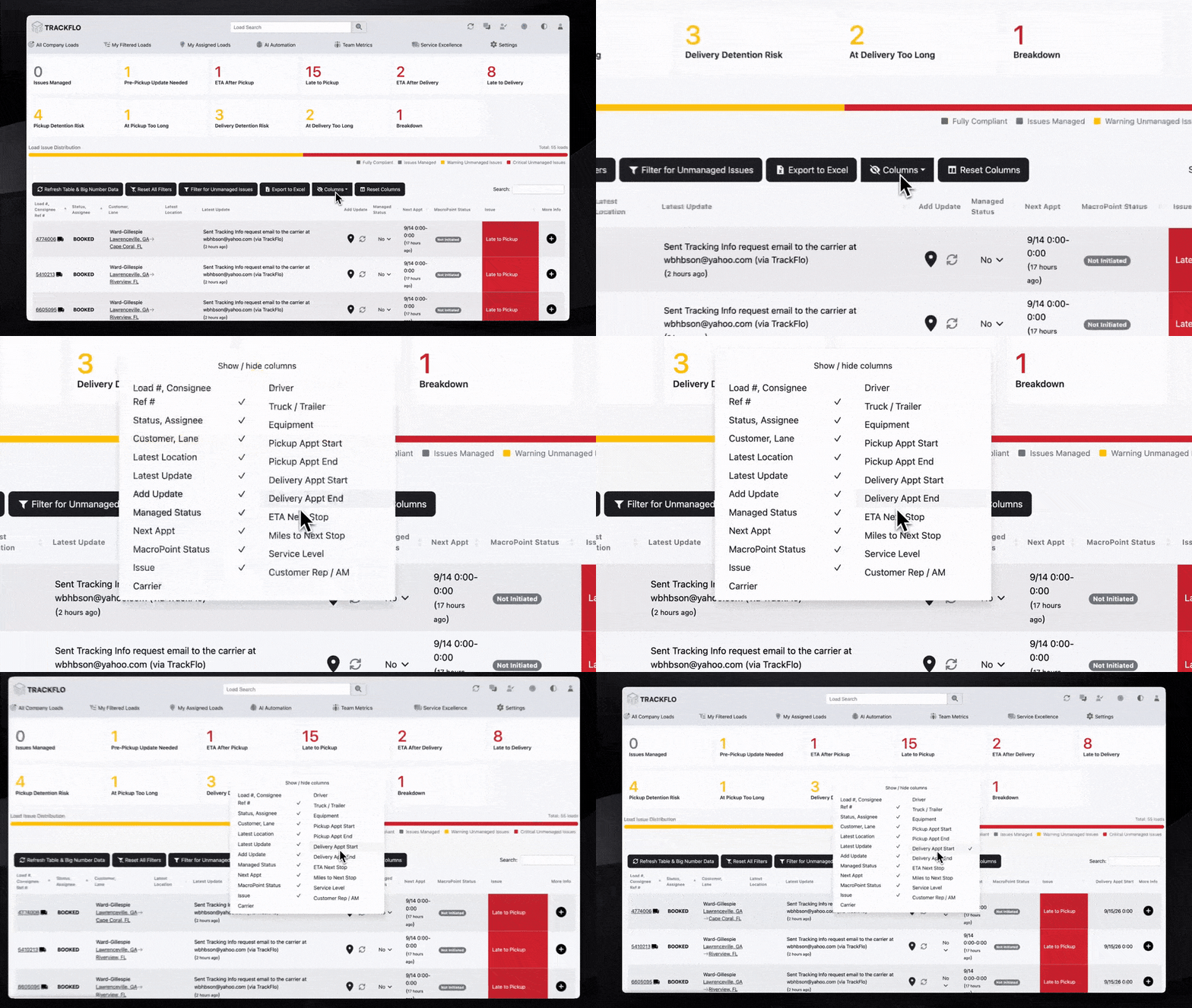
The Columns menu above the table controls which columns the table shows.
Above the table, select Columns.
In the Show/hide columns menu, check a column to add it or uncheck a column to remove it.
Adjust as many columns as you need. Your changes save automatically.
Reset columns
Reset Columns clears your custom layout and puts the table back to the default columns and order.
Above the table, select Reset Columns.

Column customization is new. If a layout does not save or a column does not behave as expected, please report it to us.