

Their visibility filter wasn't set before the invite. Set it, then check what they see with Impersonate User.
Answer "Where's My Freight" Before the Customer Asks
Updated today
Put the answer in the customer's hands before they ask, get the exceptions that matter to them in front of your team the moment they appear, and give account managers the reports and scorecards that turn the weekly call into a review instead of a search. The failure customers describe is specific: an email asks where a load is, and four hours later someone replies "it's over here." Prospects tell us "we just are not proactive enough."
What you need
An Admin for Customer Portal Settings, Exception Alerts, and Customer User invites.
Reps who own accounts, and the customers each one owns.
Set it up
1
Share the public load page
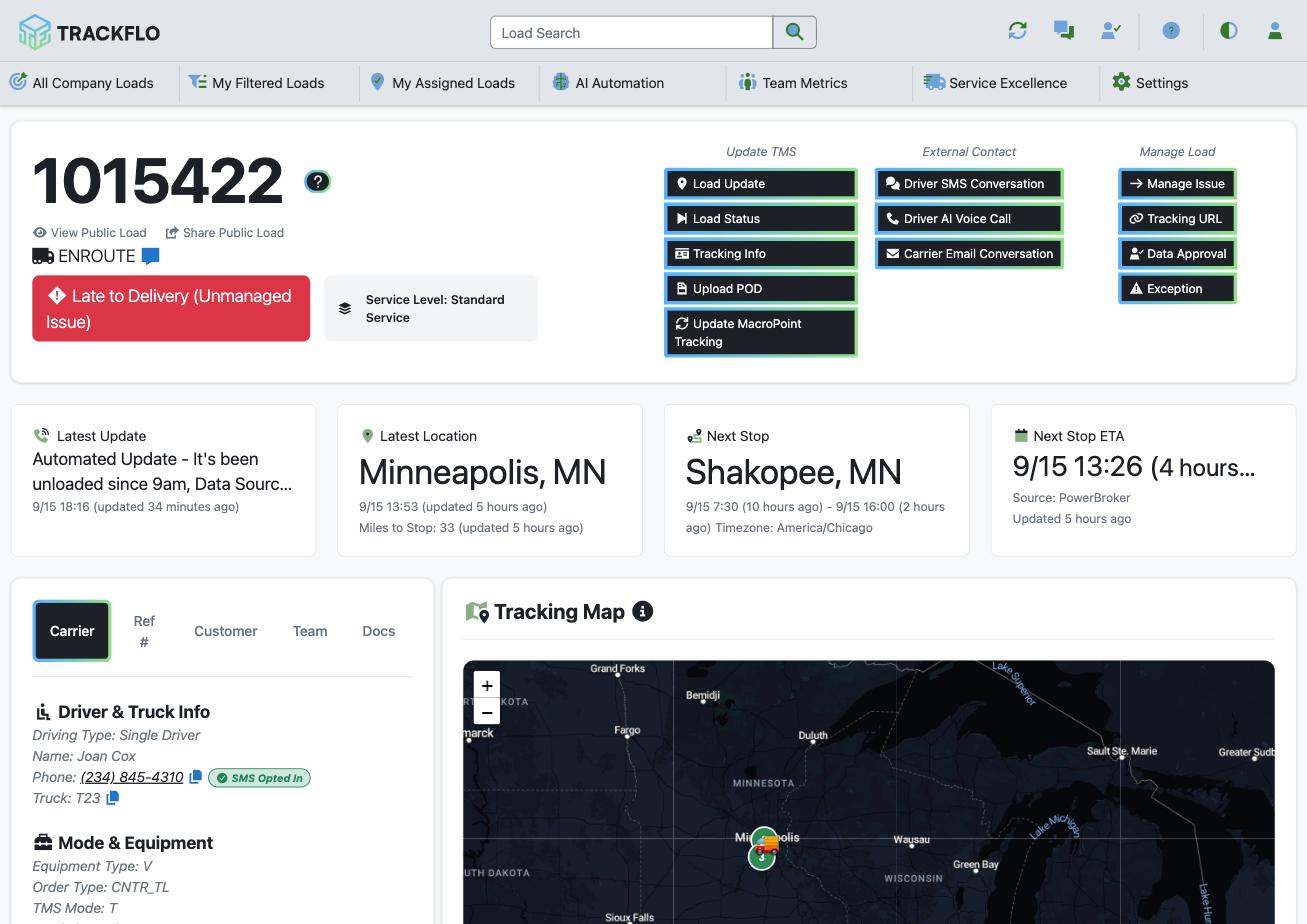
Every load has a public page with the map, stops, and latest status. From the load page, Share Public Load copies its link; paste it into the customer's tracking request and they can watch the load themselves. Brand those pages in Customer Portal Settings.
2
Give frequent askers their own login
For customers who ask often, invite a Customer User. Their visibility filter is everything they'll see, so set it before the invite goes out and check it with Impersonate User.
3
Route exception alerts to the customer team
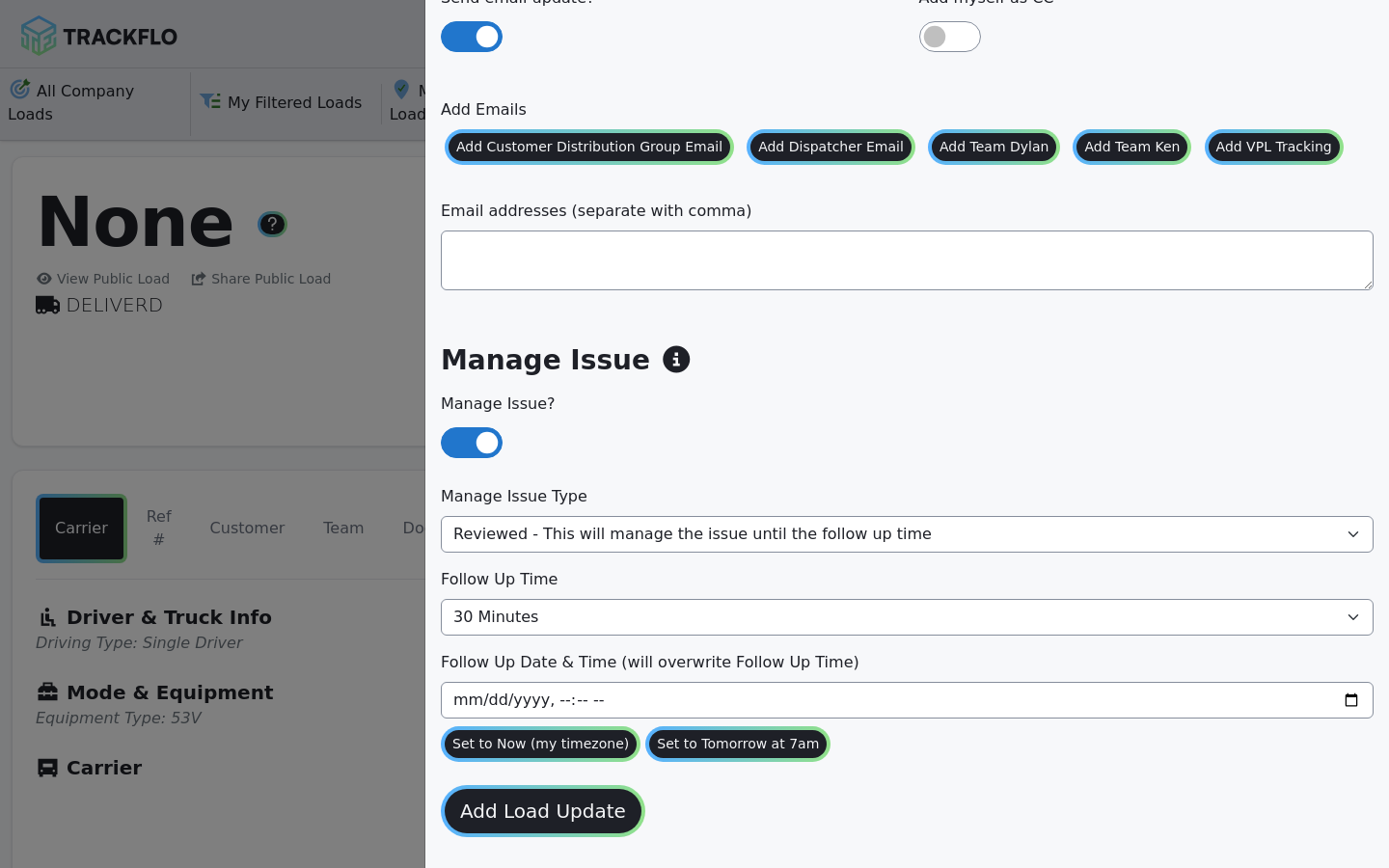
Set up Exception Alerts under Service Excellence so a new Late to Delivery or ETA after Delivery emails the customer team the moment it appears, routed by exception type. The tracker then ticks Send email update? on the load update and adds the customer's address; the comment they write is what the customer reads. Add myself as CC keeps a copy.
4
Land reps on their customers
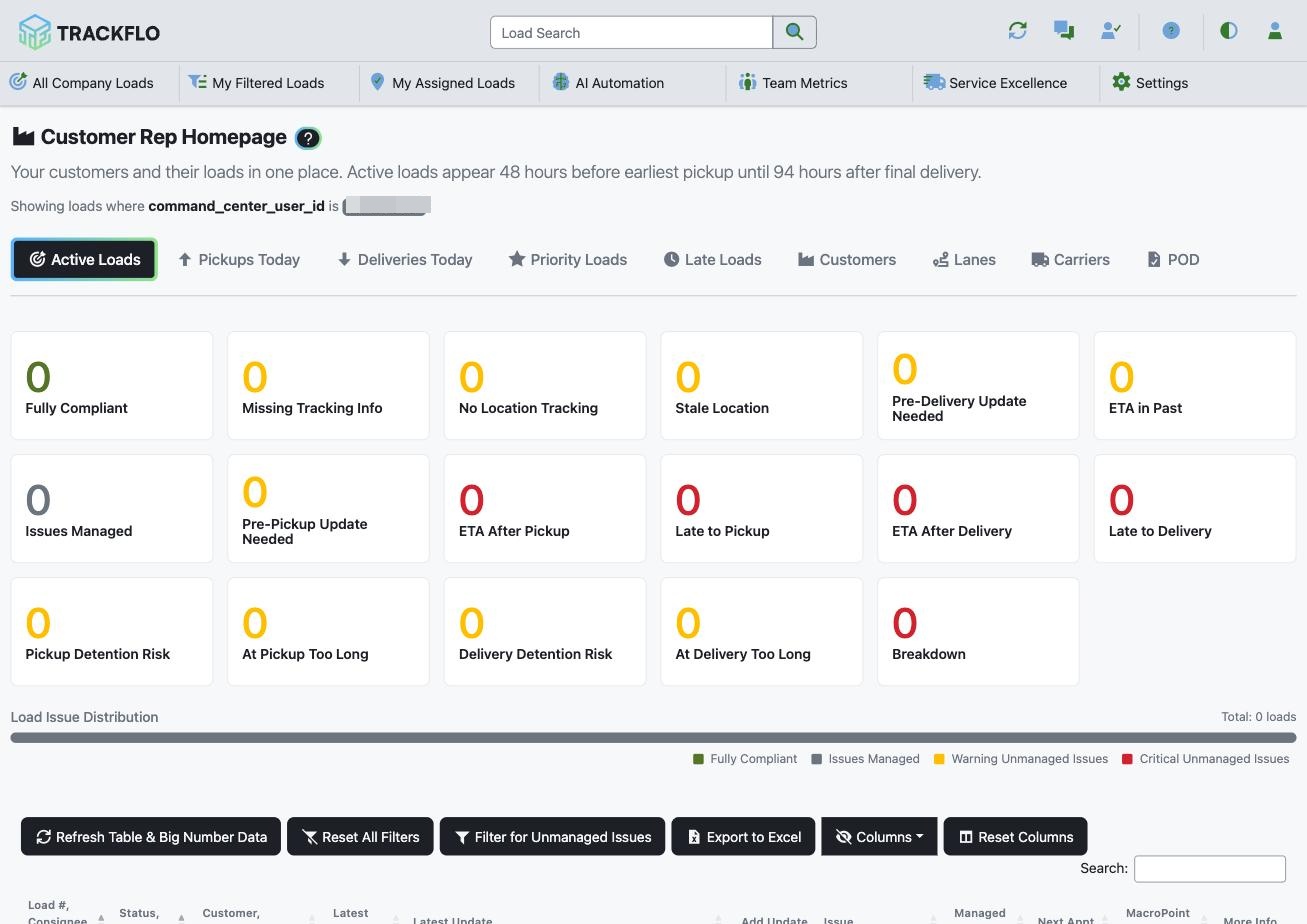
Set the Customer Rep Homepage as each rep's home page at invite time. It scopes the board to their customers' loads, with today's pickups and deliveries, late loads, and PODs on separate tabs.
5
Send the report before the call
Schedule the Upcoming Customer Delivery Report for each customer's rep every weekday morning, and the Account Manager Report for each account manager's book. Recipients must be on your company's email domain, so reps forward customer-facing reports.
When it doesn't go to plan
A Customer User sees nothing, or everything
The customer team stopped reading alerts
They're getting every exception type. Route by type: a customer team that gets Detention Risk alerts stops reading alerts.
The customer's address is refused on a scheduled report
Reports go only to your company's email domain. Send to the rep and have them forward it, or invite the customer as a Customer User.
Measure it
Tracking requests arrive with the public link already in the thread, and the volume of "where is it" emails falls.
The customer team learns about a late delivery from an Exception Alert, not from the customer.
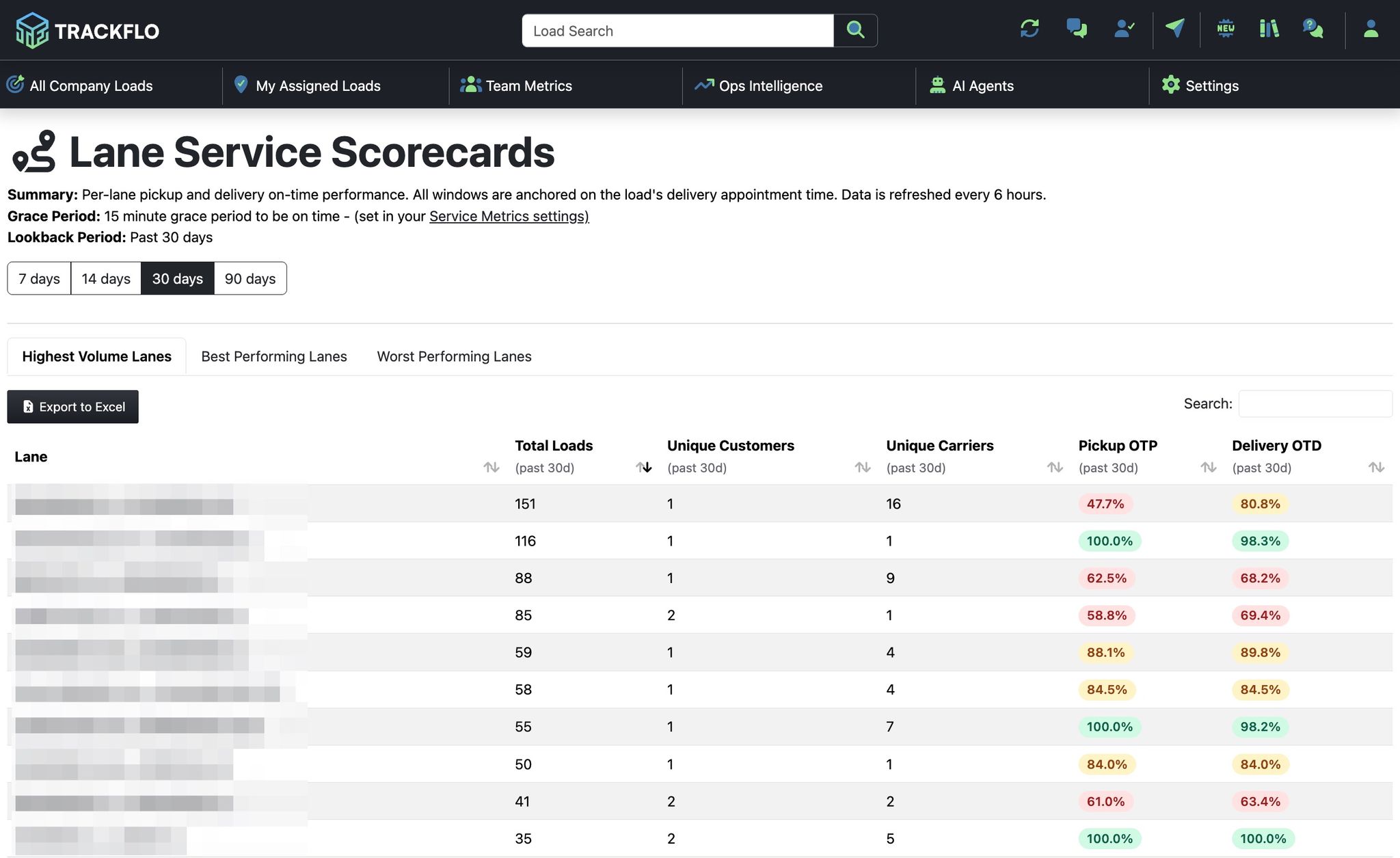
Weekly customer calls open with the Customer Scorecard, and the customer has already seen that morning's delivery report.
Related recipes
Email Your Reps a Daily Delivery Report for Every Customer
Each customer's upcoming deliveries in the rep's inbox every weekday morning.
Read recipeScore Carriers and Customers on On-Time Performance
On-time pickup and delivery over 7 to 90 days, ready for carrier reviews and QBRs.
Read recipeProduct docs
Customers can sign in to open the full guides:
Was this helpful?
Was this helpful?